Overview
a progression-aware item placement system that distributes items across predefined locations while preventing impossible layouts and progression deadlocks.
Using built-in softlock prevention and reachability simulation, the system validates item placements by simulating player progression, ensuring that keys, tools, and objectives remain obtainable and that required items never become trapped behind their own dependencies.
If distribution is called on Beginplay, each playthrough can result in a randomized item acquisition order, creating varied progression paths.
How to Install & Use
- Download the system from Fab.
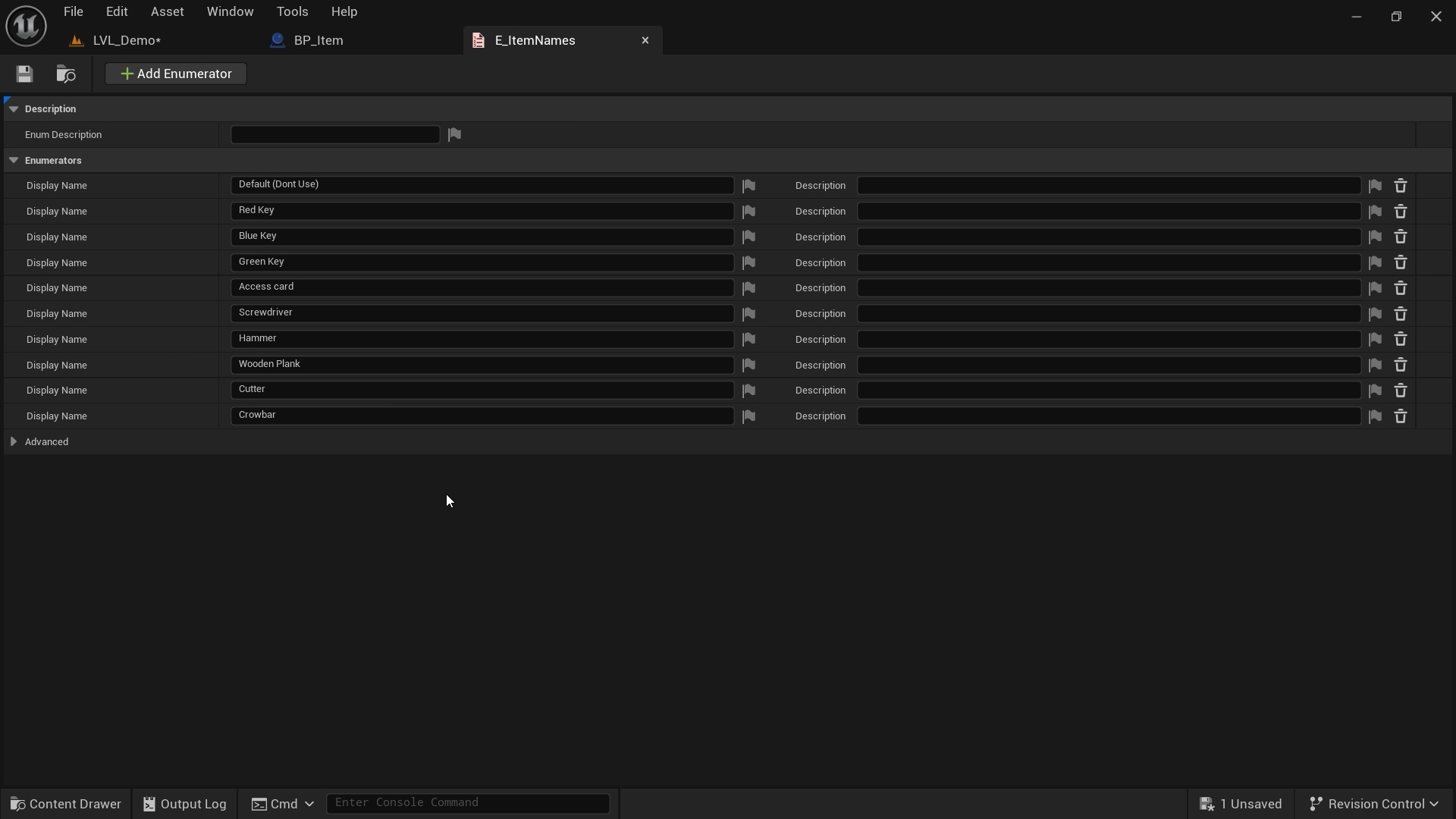
- Open E_ItemNames Enumeration then add all names of your Items, leaving the first slot as Default (Very Important).
- Add ItemVariables actor component to your item actors, and add tag Item.
- Define item's name inside the actor component of each Item.
- Place BP_TargetPoints in the spawn locations.
- Define the requirements to reach each spawn point.
- Call the function Distribute Items on beginplay to distribute items randomly each playthrough.
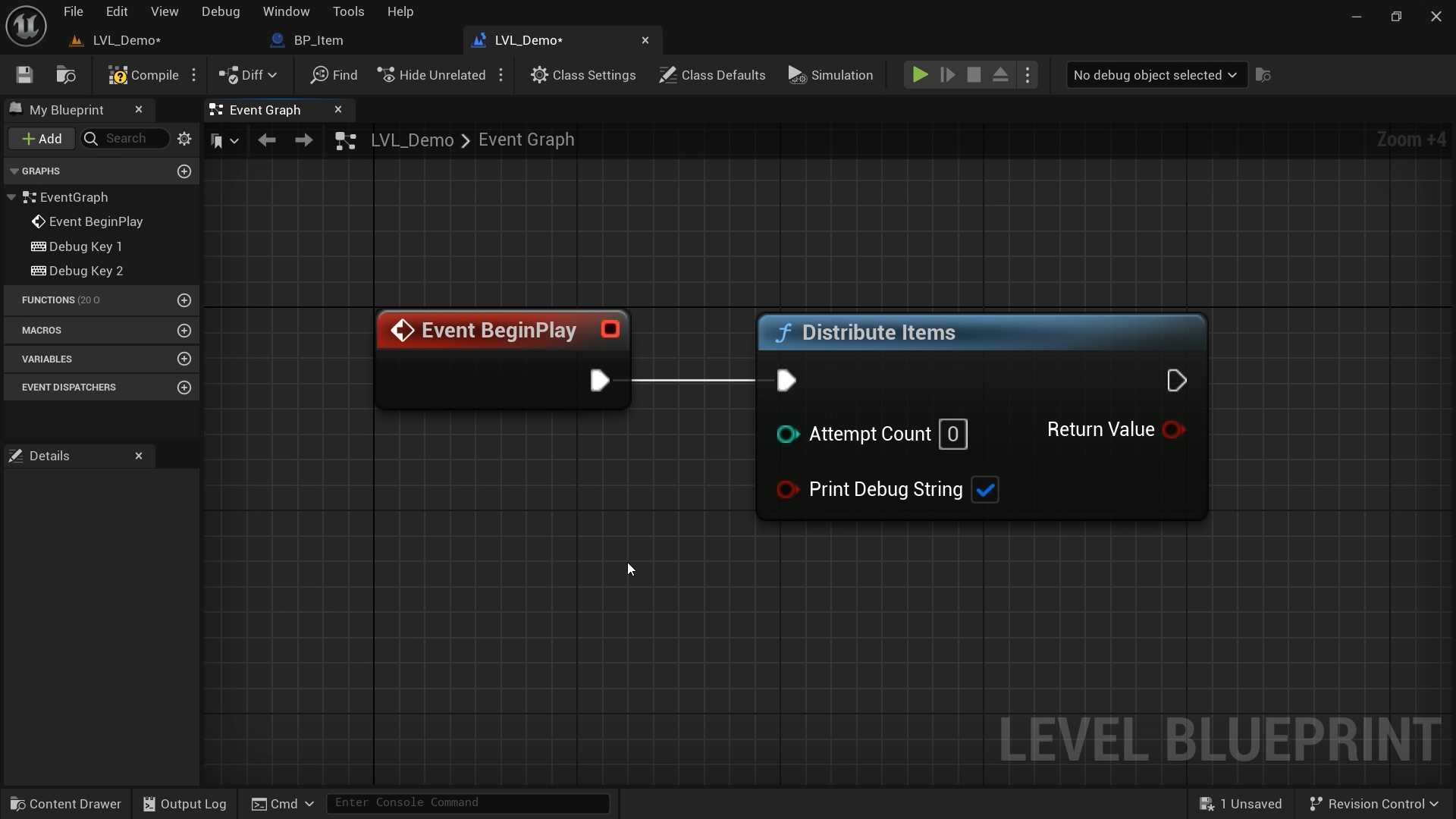
- Finally, you can test the results yourself.
Settings
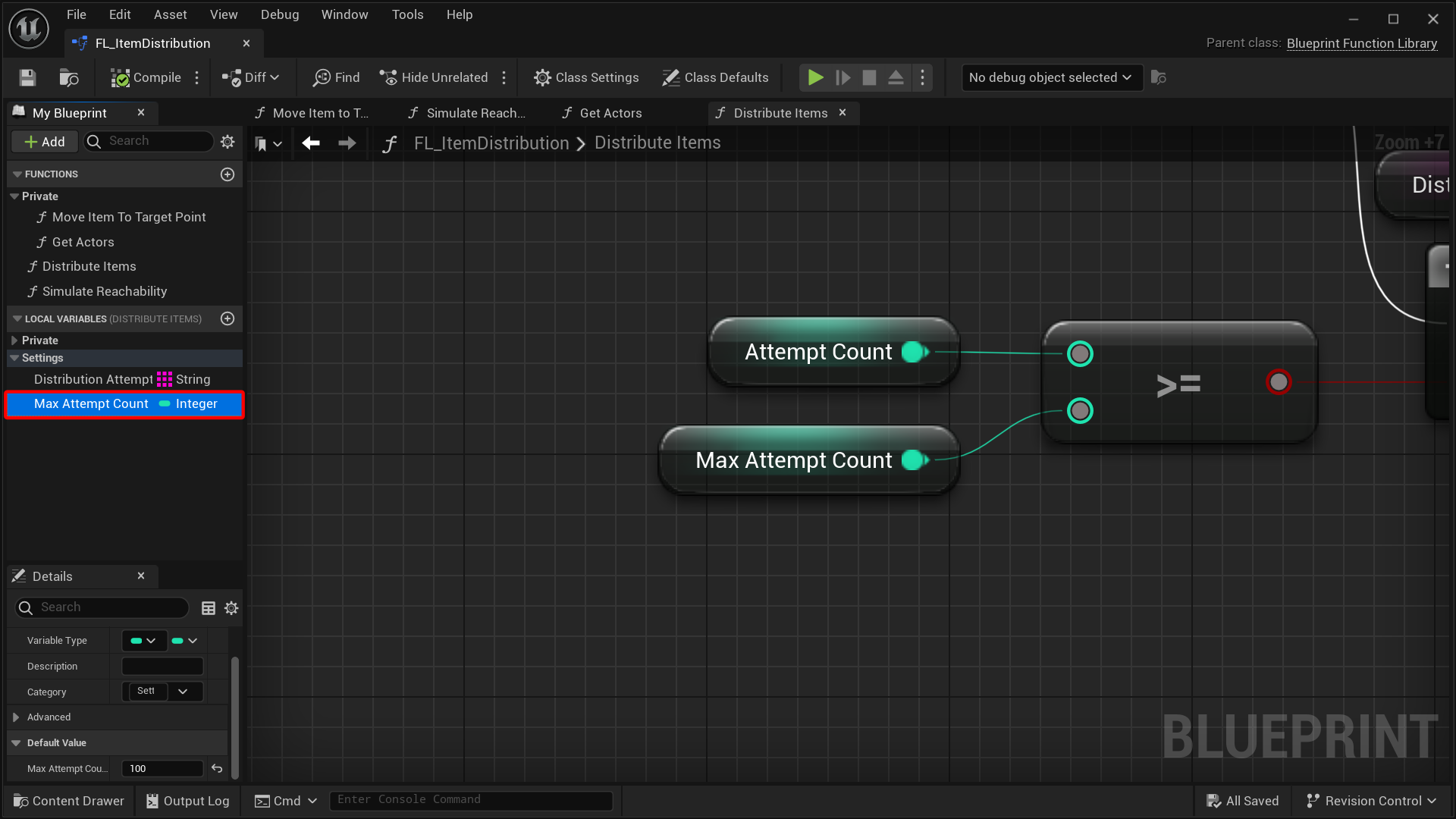
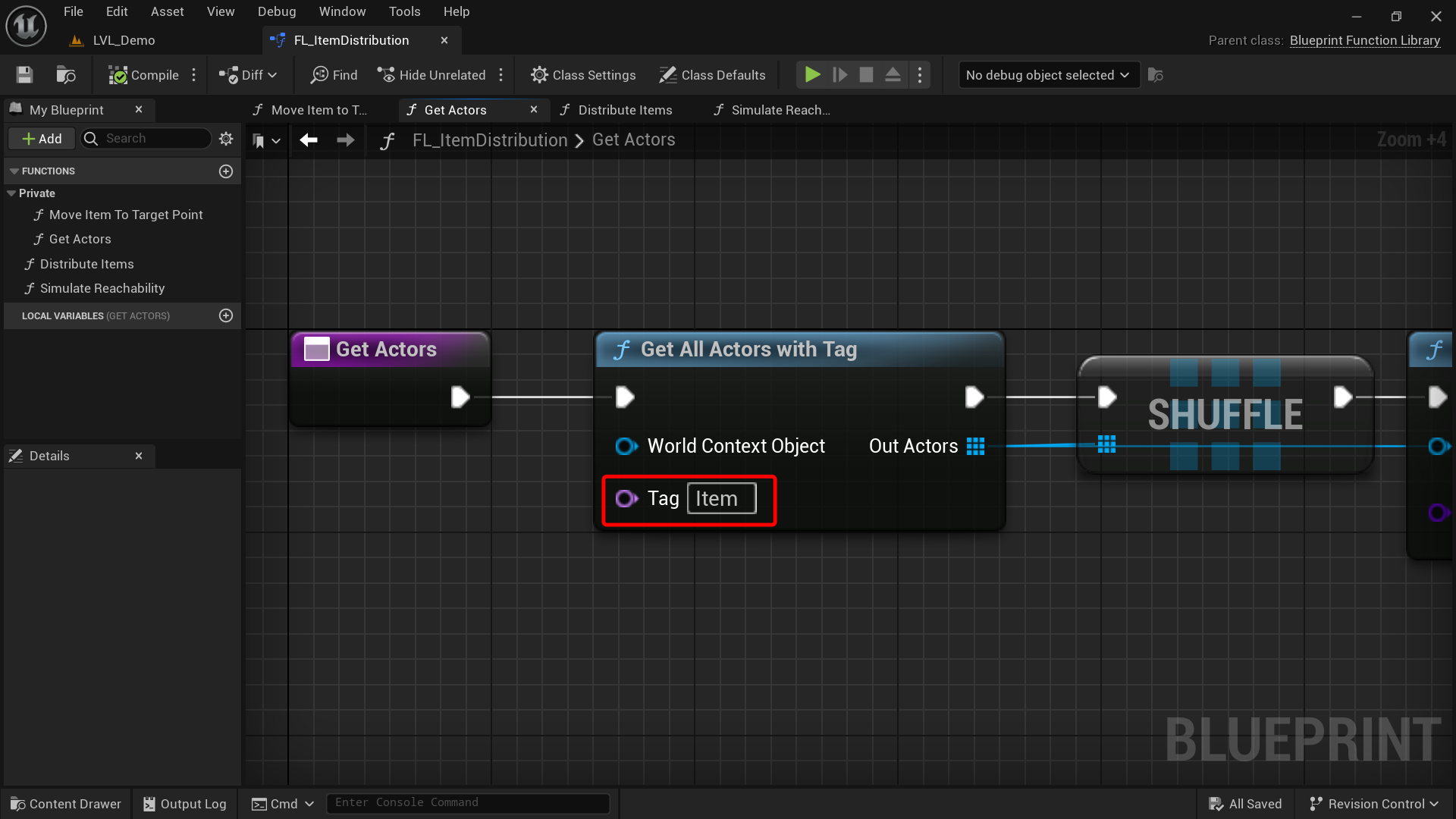
When opening FL_ItemDistribution function library, two variables can be changed:
- MaxAttemptCount: Maximum limit for attempting to distribute items before returning failed. After each attempt, reachability simulation occurs to check if the item distribution layout is valid or not.
- Tag in Get Actors Function: If you want to change to a different Item tag, you can do it there.
Fixed Items
If there's an item that always exists at the same spot and you don't want to move it during distribution, you can still include it in the equation while keeping it in the same spot.
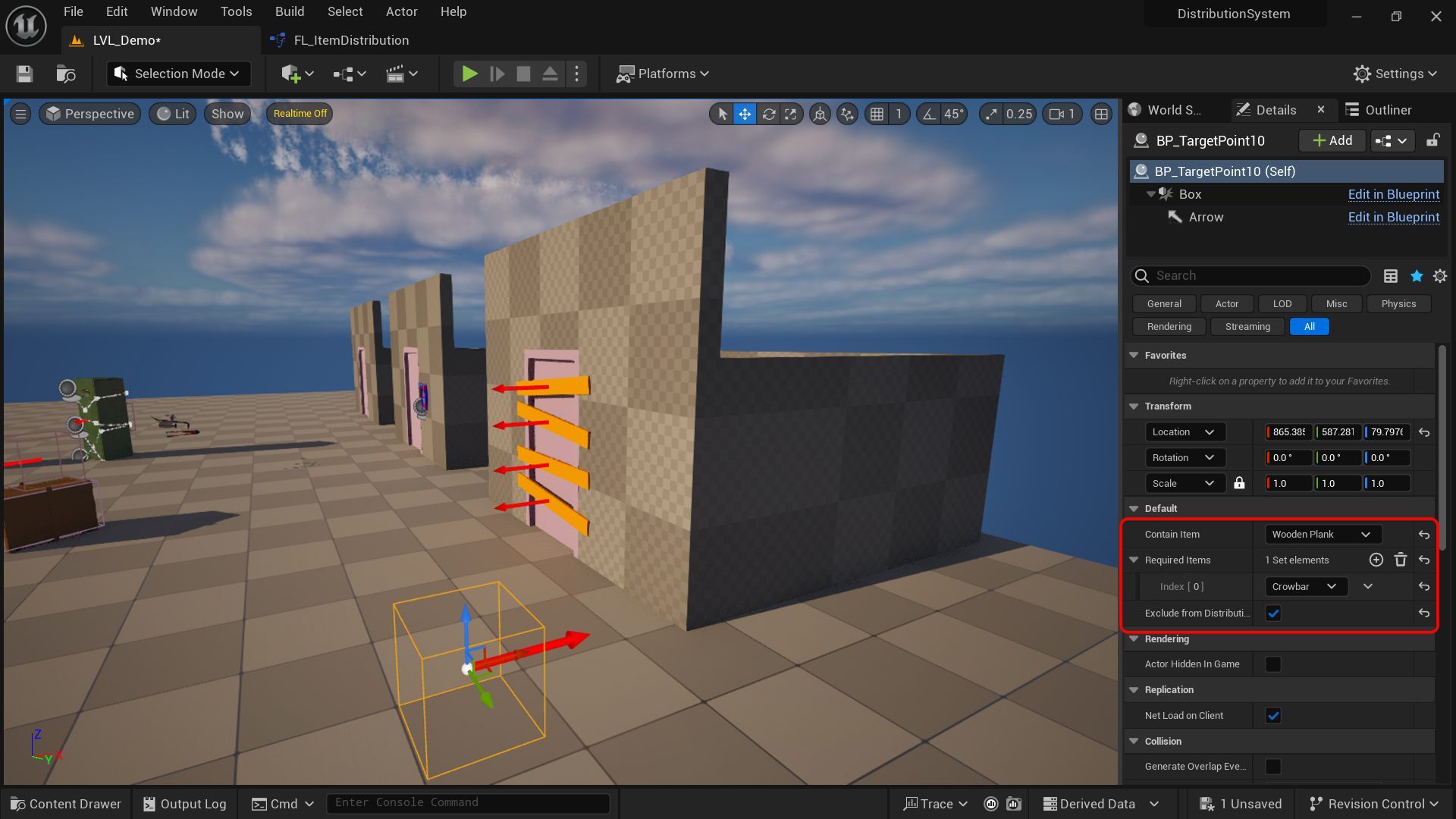
Example: This Wooden Plank item is needed to make a bridge, and it always has to be there, not moved by the distribution process. The way is:
- Not tagging it with "Item".
- Add a BP_TargetPoint blueprint (its location isn't important).
- Manually set "Contain Item" to the said item (Wooden Plank).
- Identify the required items to unlock this item (Crowbar).
- Finally, enable "Exclude From Distribution" option.
Determining Spawn Point Requirements
To correctly configure each BP_TargetPoint, you need to identify which items (keys, abilities, etc.) are required to reach that location. The recommended method is:
- Draw a mental path from the Player Start directly to the spawn point.
- As you trace the path, note every obstacle, locked door, or blocked passage that the player cannot bypass without a specific item.
- For each such obstacle, determine the item name that unlocks it (e.g., "RedKey", "WoodenPlank").
- Add those item names to the spawn point's Required Items array.
- If the path is completely unobstructed and reachable from the start, leave Required Items empty.
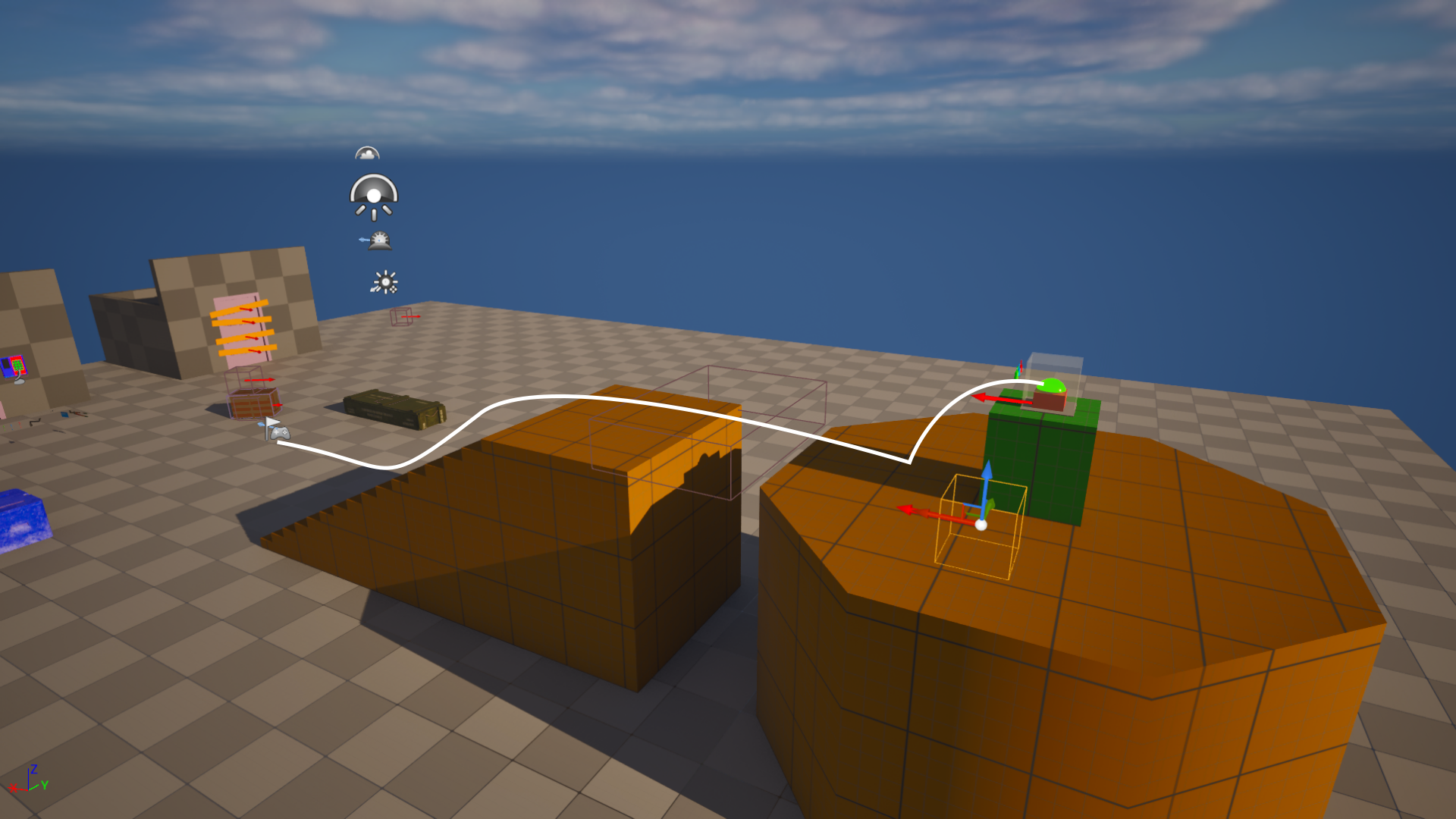
Example 1: As you see in the following image, if that button was an obtainable item and required other items to reach, it would need a wooden plank to cross the gap and three keys (Red, blue and green) to unlock the glass box. The spawn point next to it only requires a wooden plank to reach.
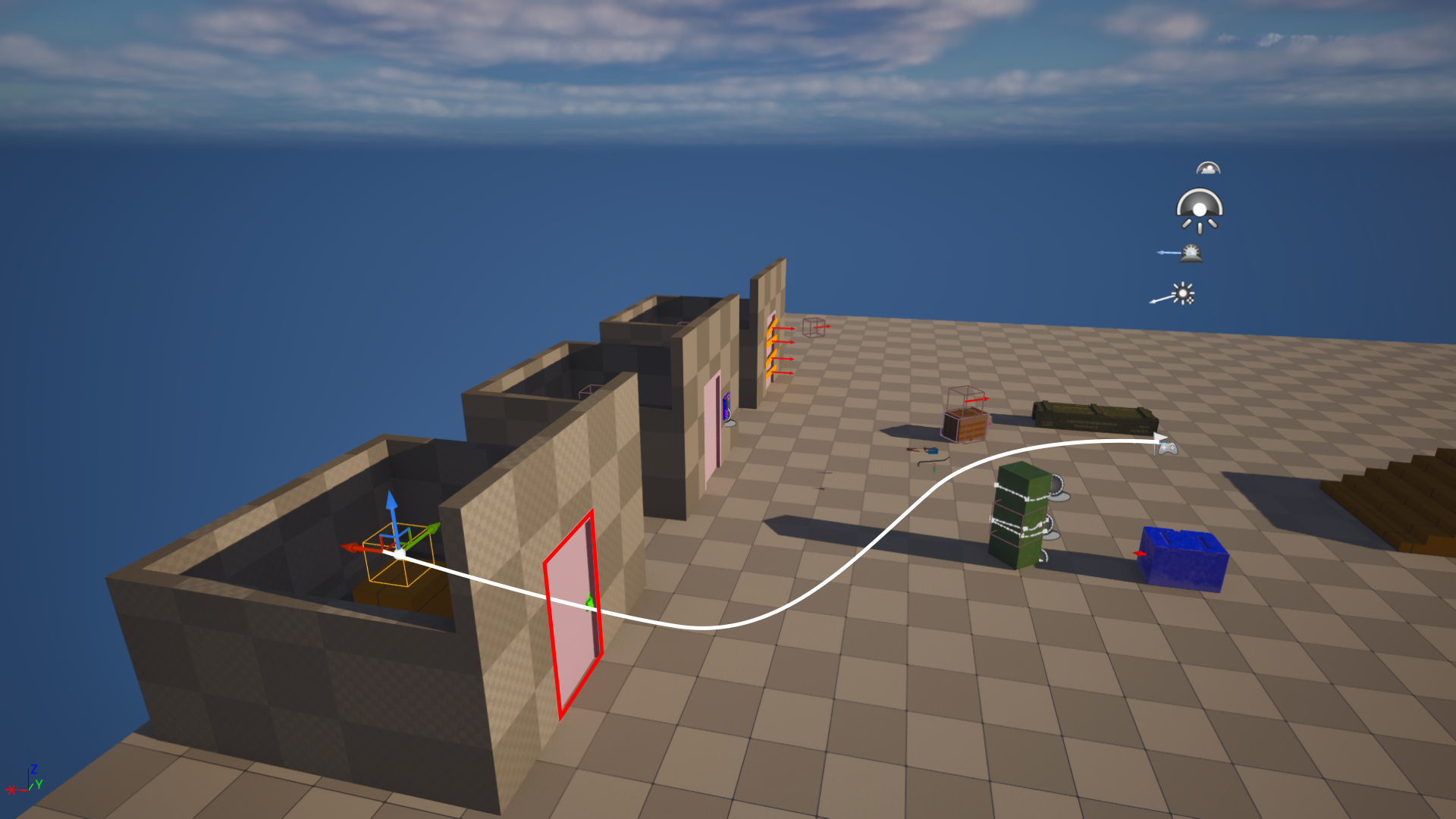
Example 2: spawn point only requires green key.
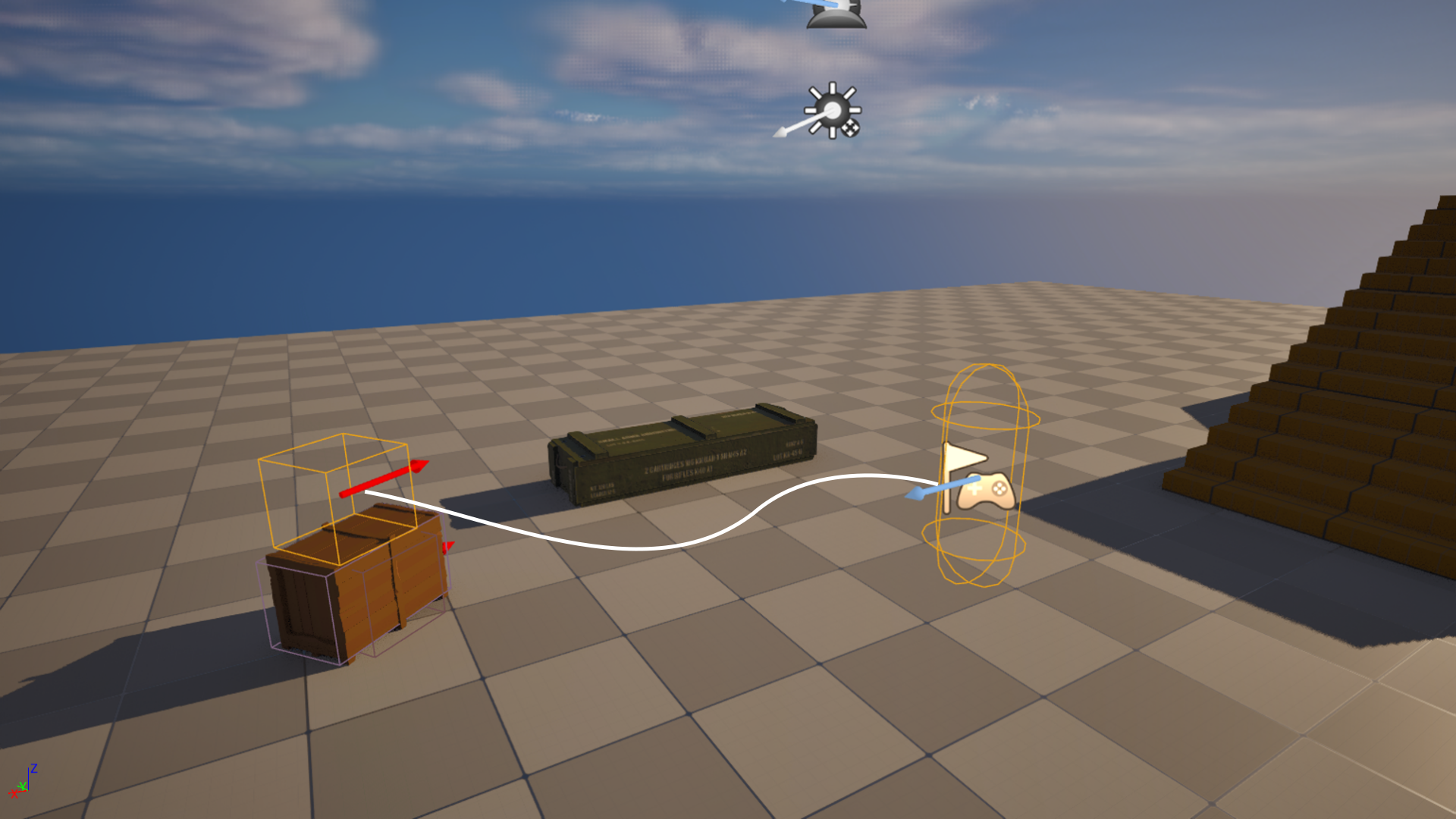
Example 3: spawn point requires no items to reach.
Notes
- At least one item spawn point must require no items to reach, allowing the player to begin collecting progression items.
- Spawn points can be configured to require multiple items before they become accessible.
- The number of spawn points must be equal to or greater than the number of items being distributed.
- To place multiple items in the same location, create separate spawn points with identical requirements and position them together.
- Manually placed items can also be validated through reachability simulation, ensuring that your layout remains completable and free of softlocks.