Overview
Security Camera System for Unreal Engine 5
A professional and optimized security camera system for Unreal Engine 5, designed for gameplay, stealth mechanics, surveillance rooms, horror projects, and interactive environments.Features
Easy Setup
- Quickly integrate into your project.
- Connect all cameras automatically or manually assign selected cameras from your scene to a monitor.
- Add unlimited monitors.
- Simple and editable interaction system.
Smart Detection System
- Player sensing and tracking logic.
- Cameras track the player when they enter the camera's visual field.
- Uses On Detected event dispatcher for custom reactions and gameplay logic.
Optimization – Performance Focused
- Handcrafted LODs.
- Material instances using lightweight shading complexity.
- No Tick Events used.
- Only two timers with exposed frequency values for easy performance tuning.
- Retainer Boxes and Invalidation Boxes used to optimize widgets.
Event Dispatchers
- On Player Detected
- On Player Forgotten
- On Activated
- On Deactivated
- On Electrified
Camera States
- Activated
- Deactivated
- Electrified
Video Effects
- VHS
- Black & White
- Night Vision
- Glitch
- CCTV
- Fish Eye
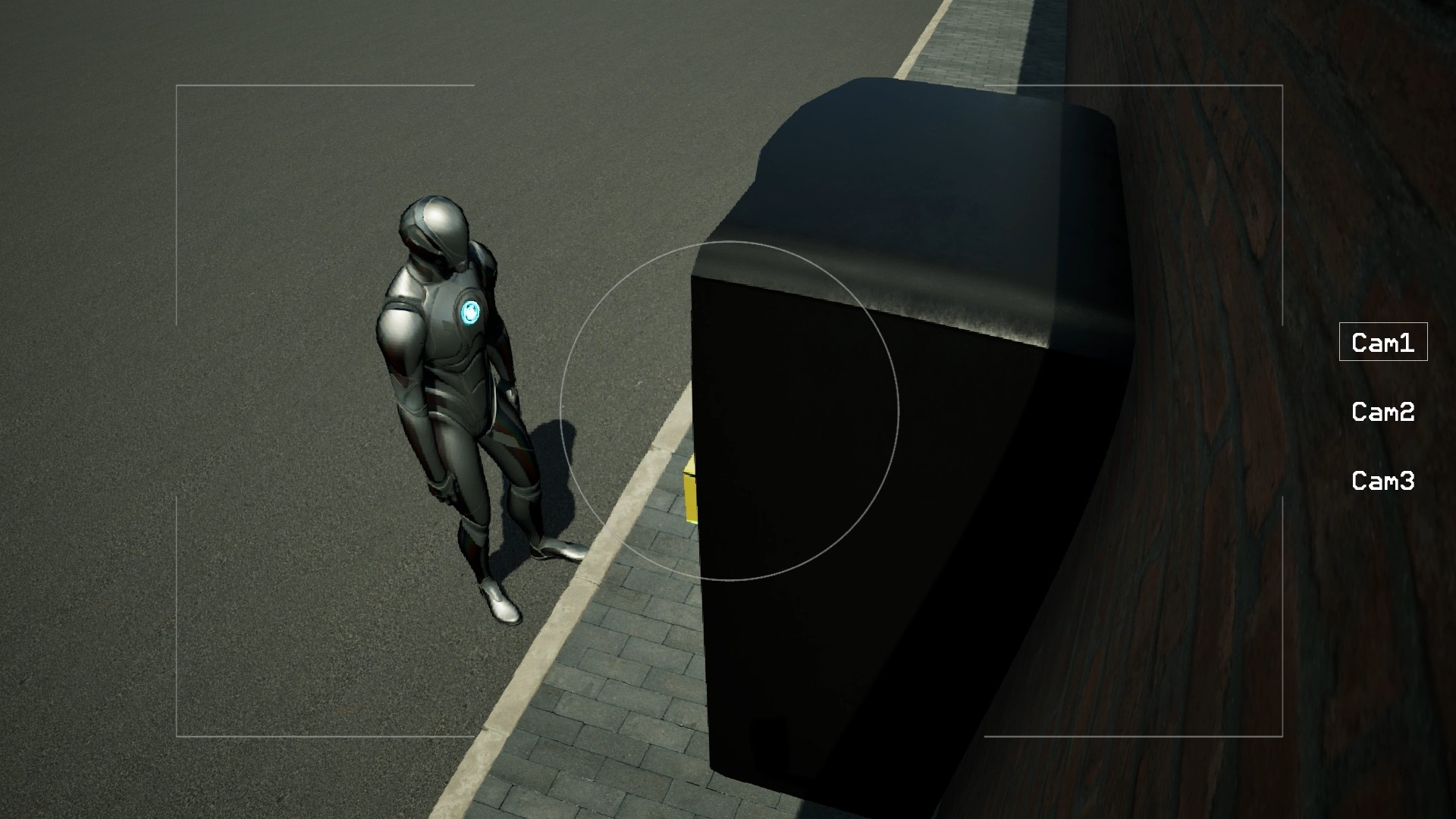
Screen States
- Working
- No Signal
- Frozen
- Broken
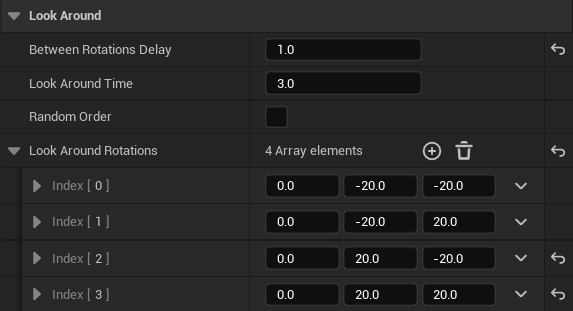
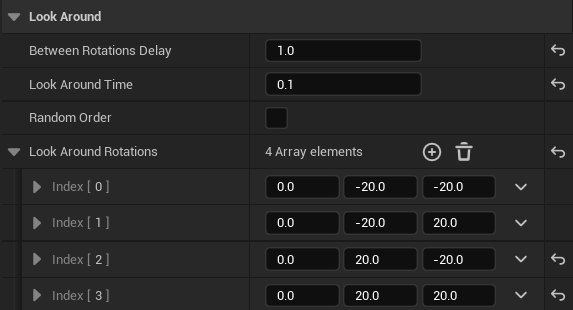
Active Behaviors
When cameras are active, they can:
- Stay Static
- Look Around
- Track Player
How to Install
- Open the Fab store.
- Search for Security Camera System, then add to your project.
- Add BP_Computer and BP_Camera to your scene.
- Link your camera by either enabling "Link all cameras" or by adding the camera to the array Linked Cameras in the computer's details tab.
- Add Camera_Interaction Component to your player character.
Tip: For a quick test, use the included demo map and
examine the example BP_Computer settings.